When sending emails in multiple languages, Poppulo can automatically deliver each email in the recipient’s preferred language based on your People Data.
This ensures employees receive the translated version of the email directly in their inbox without requiring multiple sends.
How it works
When you send an email that includes multiple language versions, Poppulo checks each recipient’s Preferred Language field in your People Data.
- If a preferred language is set, the recipient receives that version of the email in their inbox. Subject line and preview text are also translated.
- If no preferred language is set, the recipient receives the default language in their inbox. They can still view the email in another language by clicking the Read in your preferred language link.
- You can use an Update Profile form to collect employees' preferred language. This helps ensure they receive future multilingual communications in their preferred language. For more information, see Use Sign-up Forms to Collect Employee Profile Information.
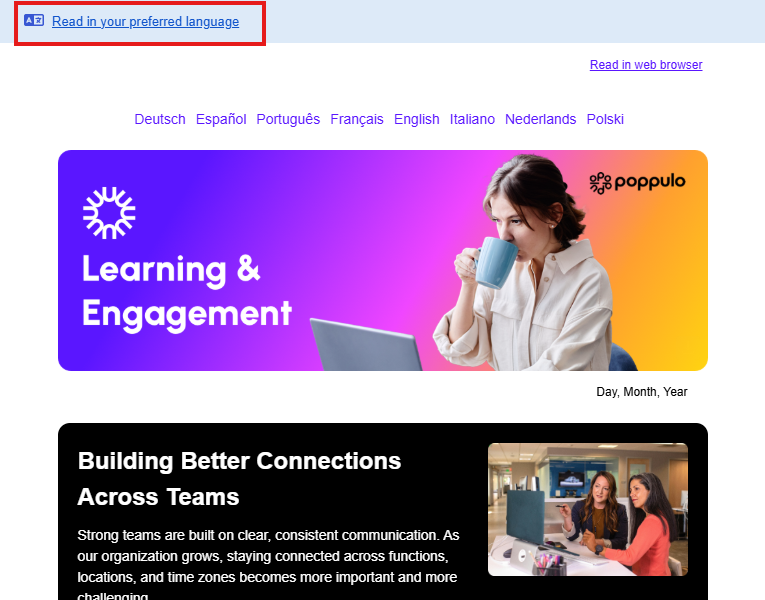
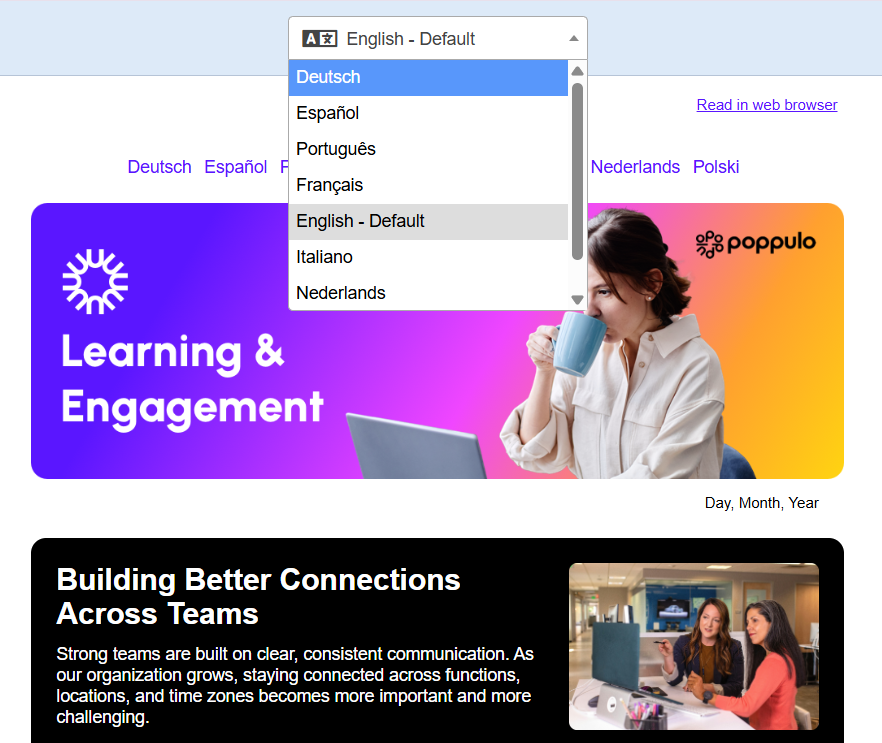
Translations are not based on the recipient’s email client or device settings. They are determined only by the data stored in Poppulo.
Set up and import preferred language data
To use this feature, your People Data must include a Preferred Language field.
This field should contain a supported language value. The Preferred Language field accepts any valid IETF BCP 47 language tag, which uses ISO 639-1 language codes (for example, fr, de) and optional region identifiers (for example, fr-CA, nl-BE).
See the full list of supported languages and accepted field values for multilingual emails.
You can populate the Preferred Language field in your People Data in several ways, depending on how your data is managed:
- Import data
Include a Preferred Language column in your People Data file (for example, CSV or Excel) and upload it to Poppulo. Each row should contain the correct language value for that user. - Data sync or integration
If you sync People Data from an external system (such as HR or identity systems), map the relevant language field to Preferred Language in Poppulo. - Manual updates
Update individual users directly within Poppulo. This is useful for testing or making small changes.
