When you Create an Article, you can always Edit the Article or delete it. Use the instructions below to delete or remove an article from your Email. You can also delete/remove articles in bulk.
To Delete an Article from your Newsletter:
- Edit the Email containing the Article you wish to delete.
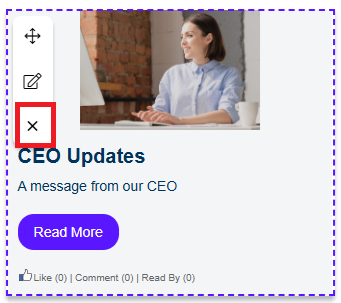
- Hover over the Article and select the Delete icon.
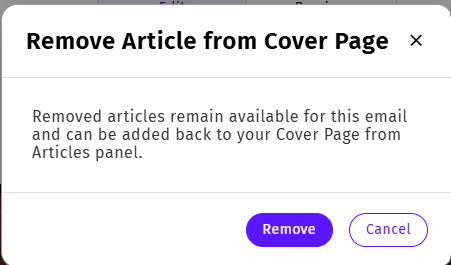
A pop up window appears to confirm the deletion.
- Click Remove to delete the article.
To Delete Articles in Bulk:
- Edit the Email containing the Articles you wish to delete.
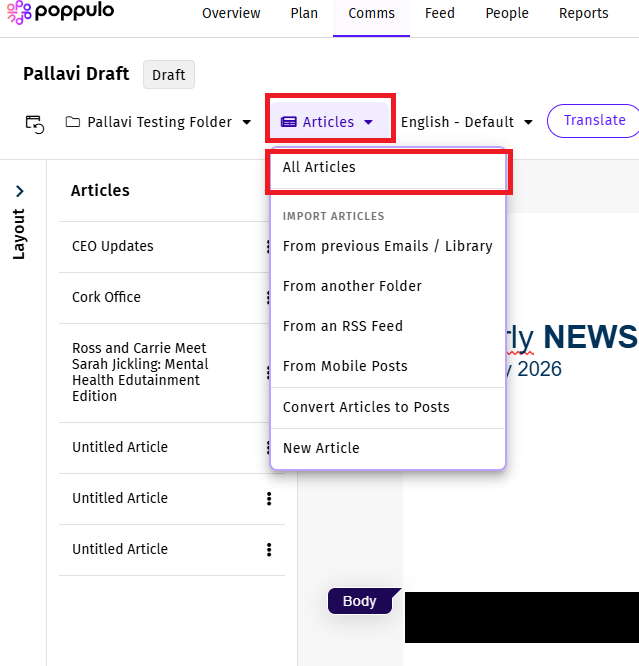
- In the Articles drop-down, choose All Articles.
-
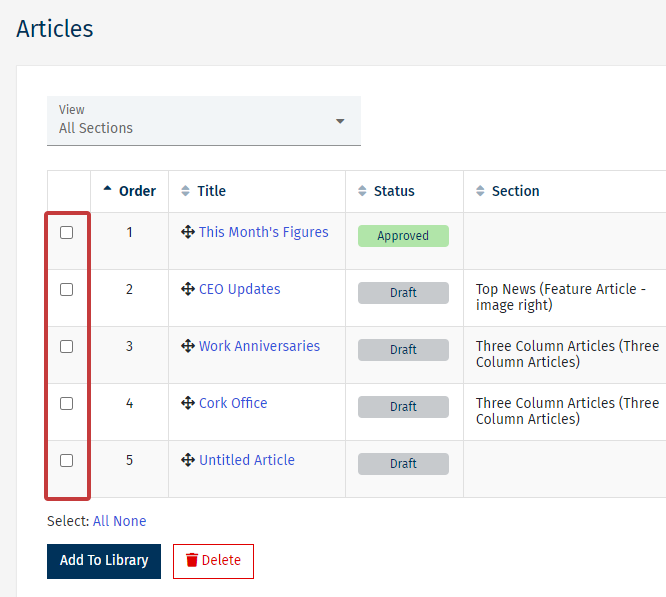
Use the checkboxes to choose the Articles you wish to delete, then select the Delete button.
-
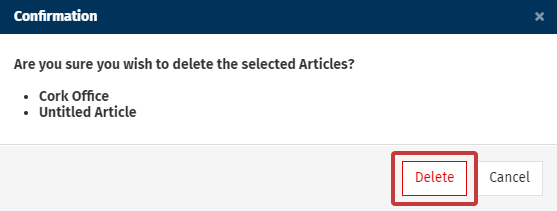
A Confirmation window with your selected Articles will appear. Select Delete to delete the Articles.