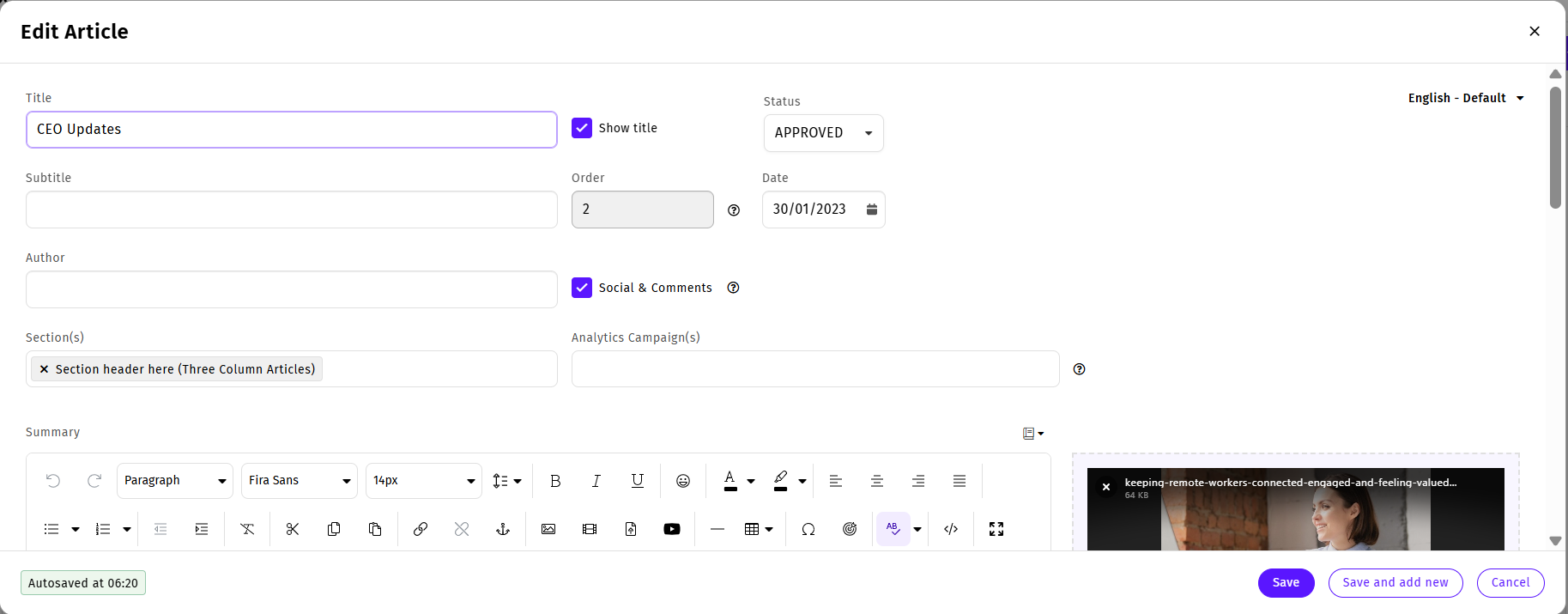
When you Create an Article in your Newsletter, you can make changes to the Article at any time using the instructions below.
To Edit an Article:
-
Edit the Email that contains the Article you wish to edit.
-
Go to the Article that you want to edit and hover over the article. The side menu bar appears.
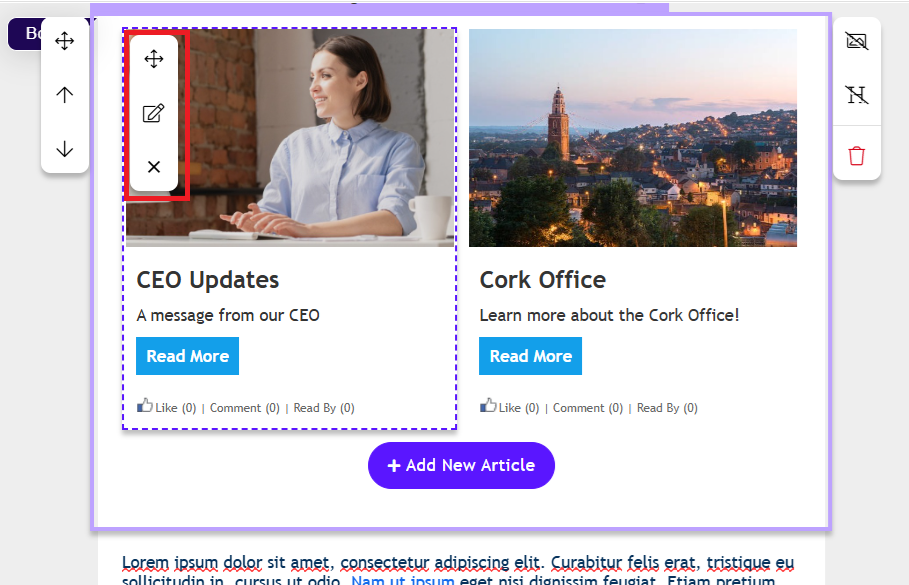
Note: Alternatively, you can select the article by going to the Articles tab, choosing All Articles from the drop-down, then selecting your article from the list.
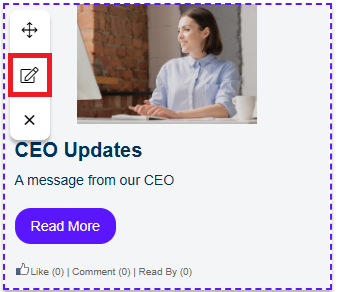
- Click the Edit icon.
The
Edit Article window appears.
- Make any necessary changes to your Article, then click Save to confirm your changes.